Google Calendar for Streamnode

Use Google Calendar integration actions inside Streamnode endpoint workflows.

Use Google Calendar in endpoint workflows

Google Calendar can sit inside a Streamnode URL as a reusable connection. Use it after request validation, combine it with other actions, and shape the final response without building a one-off backend route for every workflow.

Use it when your endpoint needs to

  • Trigger provider actions from webhook, API, or proxy workflows
  • Map request values and prior action output into provider fields
  • Keep OAuth tokens and credentials attached to reusable connections
  • Compose notifications, AI calls, email, calendars, and forms with other actions

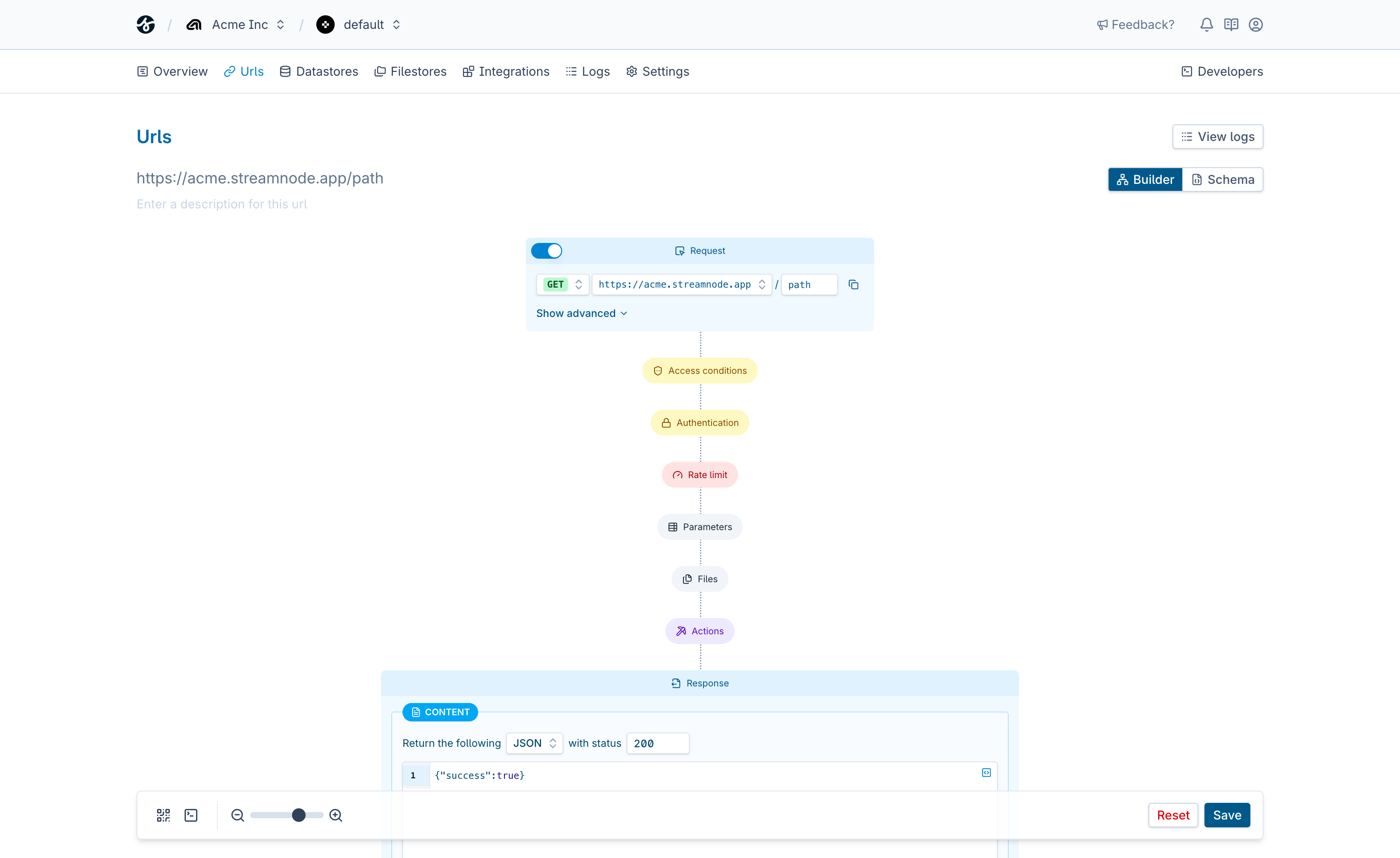
Endpoint request

streamnode.app/google-calendar

Match the request

Read endpoint inputs, check auth, and map fields for the provider.

Run Google Calendar action

Trigger the provider action with credentials kept safely server-side.

Send the response

Return provider results or pass them into follow-up workflow actions.

See what Streamnode can do with Google Calendar

Select a capability to see what it does and open the matching URL builder template.

List calendars

List calendars lets a Streamnode endpoint trigger a Google Calendar provider action without exposing credentials or rebuilding provider-specific API calls in application code.

  • Map endpoint data into provider-specific action fields
  • Use provider output in later actions, beacons, or responses
  • Start from a template that preloads the selected action
Template

Start with a ready-made template

Open the URL builder with this action preselected, then add request fields, auth, response behavior, and any follow-up actions your endpoint needs.

Loads the template in the URL builder.

Integrations

Trigger email, messaging, AI, calendar, and form services from endpoint workflows.

View all integrations

Endpoint controls

  • Validate request data before google calendar runs.
  • Protect workflows with endpoint auth and signing rules.
  • Return structured responses after connection actions complete.

Get started in minutes

Everything you need to go from zero to production-ready endpoints.

Create your first endpoint

Sign up, define a URL, and configure auth and validation in a few clicks.

Follow the quickstart

Use the docs to build and test a full endpoint workflow step by step.

Pick a plan when you are ready

Start free, then upgrade for higher limits, advanced features, and team workflows.

Build a Google Calendar endpoint

Start with one Streamnode URL, map request data into Google Calendar, and ship a reliable response without writing a custom backend route.