Google Drive for Streamnode

Use Google Drive as a connected filestore for upload, download, and file response workflows.

Use Google Drive in endpoint workflows

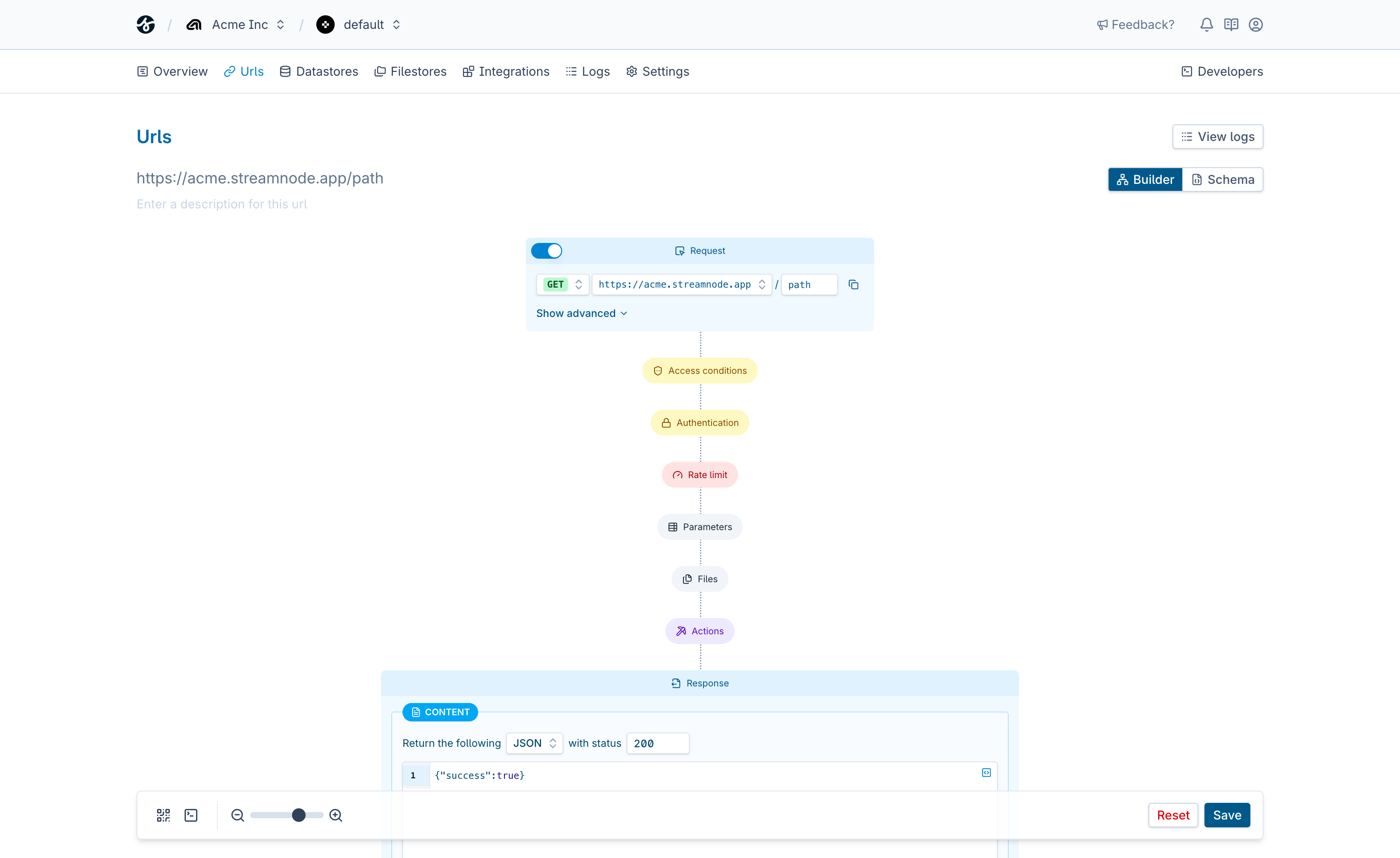
Google Drive can sit inside a Streamnode URL as a reusable connection. Use it after request validation, combine it with other actions, and shape the final response without building a one-off backend route for every workflow.

Use it when your endpoint needs to

  • Accept uploads, read files, write objects, or generate access URLs
  • Combine file operations with validation, metadata, and response mapping
  • Use the same endpoint model across object storage, drives, FTP, and SFTP
  • Return files, JSON payloads, redirects, or structured errors

Endpoint request

streamnode.app/google-drive

Match the request

Read uploads, paths, object keys, auth, and HTTP request data safely.

Run Google Drive operation

Read, write, list, sign, or delete files with validated request input.

Send the response

Return file content, metadata, generated URLs, or status JSON bodies.

See what Streamnode can do with Google Drive

Select a capability to see what it does and open the matching URL builder template.

List files

List files lets a Streamnode endpoint perform a Google Drive operation during request handling. Use it to move file work behind a stable URL with validation, storage credentials, and response mapping in one place.

  • Validate file paths and uploads before the operation runs
  • Combine file metadata, datastore records, or custom responses
  • Start from a template that preloads the selected operation
Template

Start with a ready-made template

Open the URL builder with this action preselected, then add request fields, auth, response behavior, and any follow-up actions your endpoint needs.

Loads the template in the URL builder.

Filestores

Upload, store, read, and deliver files through connected storage providers.

View all filestores

Endpoint controls

  • Validate request data before google drive runs.
  • Protect workflows with endpoint auth and signing rules.
  • Return structured responses after connection actions complete.

Get started in minutes

Everything you need to go from zero to production-ready endpoints.

Create your first endpoint

Sign up, define a URL, and configure auth and validation in a few clicks.

Follow the quickstart

Use the docs to build and test a full endpoint workflow step by step.

Pick a plan when you are ready

Start free, then upgrade for higher limits, advanced features, and team workflows.

Build a Google Drive endpoint

Start with one Streamnode URL, map request data into Google Drive, and ship a reliable response without writing a custom backend route.