Google Sheets for Streamnode

Use Google Sheets as a connected datastore for Streamnode endpoint actions.

Use Google Sheets in endpoint workflows

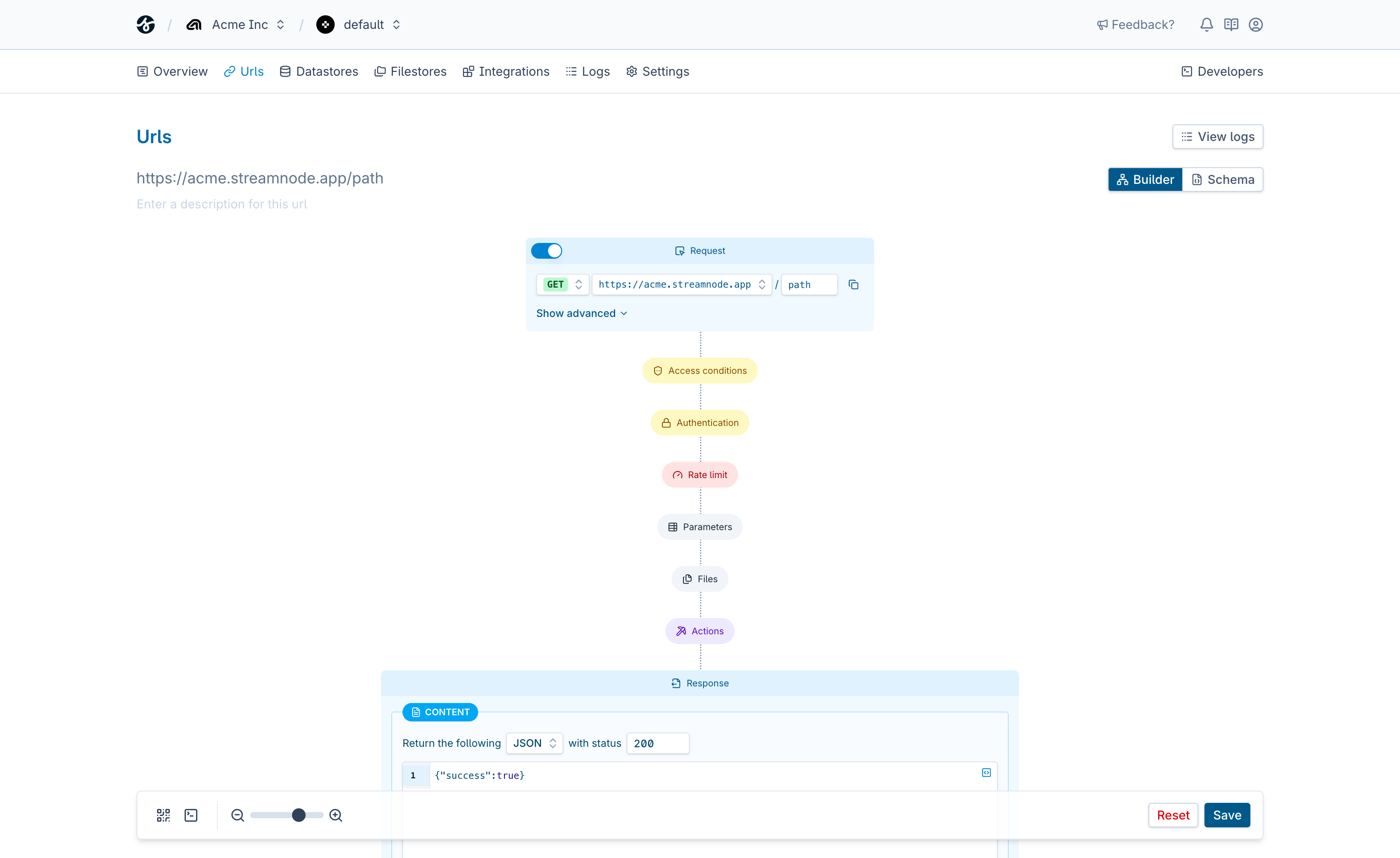
Google Sheets can sit inside a Streamnode URL as a reusable connection. Use it after request validation, combine it with other actions, and shape the final response without building a one-off backend route for every workflow.

Use it when your endpoint needs to

  • Validate request input before a query or write runs
  • Use connected data inside response templates and downstream actions
  • Compose reads, writes, and missing-resource responses without controller code
  • Keep datastore credentials separate from endpoint behavior

Endpoint request

streamnode.app/google-sheets

Match the request

Read path, query, headers, and body from the incoming HTTP request.

Run Google Sheets query

Use validated request data to query, insert, update, or fetch data.

Send the response

Return records, IDs, counts, missing states, or a custom JSON payload.

See what Streamnode can do with Google Sheets

Select a capability to see what it does and open the matching URL builder template.

Select record

Select record lets a Streamnode endpoint use Google Sheets as part of a request workflow. The action can use validated request values, earlier action output, and connection settings before returning a structured response.

  • Map request fields into query, insert, update, or value inputs
  • Use the result in a response, a follow-up action, or query
  • Start from a template that preloads the selected query
Template

Start with a ready-made template

Open the URL builder with this action preselected, then add request fields, auth, response behavior, and any follow-up actions your endpoint needs.

Loads the template in the URL builder.

Datastores

Connect databases, sheets, documents, and key-value systems to Streamnode endpoint workflows.

View all datastores

Endpoint controls

  • Validate request data before google sheets runs.
  • Protect workflows with endpoint auth and signing rules.
  • Return structured responses after connection actions complete.

Get started in minutes

Everything you need to go from zero to production-ready endpoints.

Create your first endpoint

Sign up, define a URL, and configure auth and validation in a few clicks.

Follow the quickstart

Use the docs to build and test a full endpoint workflow step by step.

Pick a plan when you are ready

Start free, then upgrade for higher limits, advanced features, and team workflows.

Build a Google Sheets endpoint

Start with one Streamnode URL, map request data into Google Sheets, and ship a reliable response without writing a custom backend route.